NL EN

Introduction to WordPress Website Development

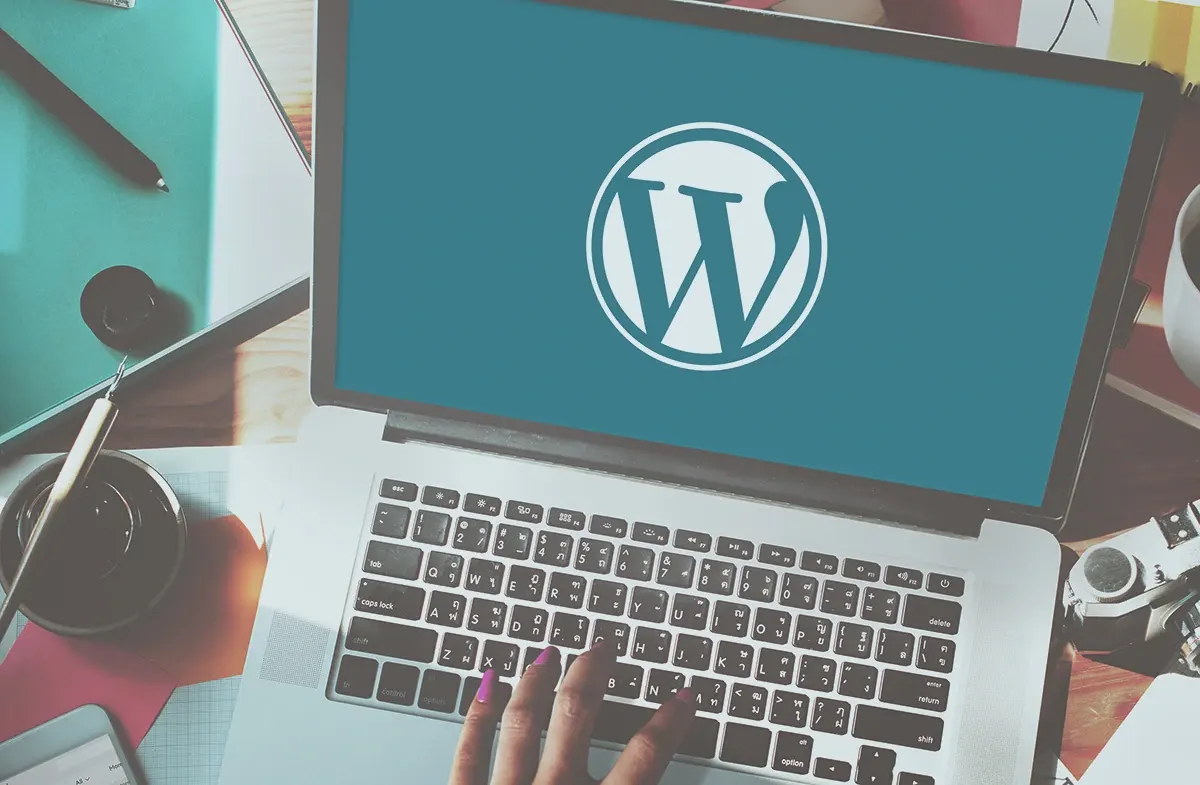
Developing a WordPress website is the way to be visible online quickly, flexibly, and affordably. Whether you want to build a simple blog, a portfolio, or a complete webshop, WordPress offers endless possibilities. The system is powerful, user-friendly, and loved worldwide. 

Contact
Modular structure of WordPress with theme and plugin options

What is WordPress exactly?

WordPress is an open-source content management system (CMS) that allows you to build and manage websites without in-depth technical knowledge. It is modularly structured, allowing you to extend functionality through themes and plugins.

Why choose WordPress?

Simplicity, scalability, and a huge community. Thanks to thousands of free and premium plugins, you can add almost any conceivable feature to your site. And you retain full control. This way, you can very easily and quickly design a website

Contact

Preparing to Develop a WordPress Website

Global network of WordPress users worldwide

Determine target audience and goals

Before you start building, you need to have a clear idea of who the website is for and what purpose it serves. Informing? Selling? Generating leads? The setup should align with that.

Develop the structure and sitemap

A logical layout is essential. Think about home, services, portfolio, blog, and contact pages. This ensures clarity and a good user experience.

Create a content plan

What goes where? Who writes the copy? How often will you blog? Content is king, so take the time to plan it well.

Contact

Global network of WordPress users worldwide

Design and Styling

Target audience analysis for a website with persona illustrations

Target Audience Analysis for a Website with Persona Illustrations

Choosing a Theme or Custom Design

WordPress offers thousands of themes. You can choose a ready-made theme or have a developer create a unique design.

The Power of Branding and Visual Style

Colors, fonts, logos, and images should form a cohesive whole. This creates recognition and trust.

UX Design: Usability First

Think about clear navigation, fast loading times, and well-organized content. Visitors should easily find what they are looking for.

Contact

Functionality and Plugins

Selecting the right plugins

Only use what you need. Good examples are Yoast SEO, Contact Form 7, and WP Rocket.

Have custom functionality built

Do you need something unique? Then have a developer write custom code. This keeps your site lightweight and efficient.

Contact

Responsiveness and Mobile Optimization

Why design mobile-first?

More than 60% of web traffic is mobile. So your website must work perfectly on every device.

Testing on different screen sizes

From iPhone to desktop – your developer checks every format to ensure optimal display.

Contact

Sitemap structure drawn on a whiteboard with page hierarchy
Responsive website design displayed on multiple devices

SEO for WordPress Websites

On-Page SEO Optimization

Think about meta titles, descriptions, heading structure, and internal links. SEO starts while you are writing your content.

SEO-Friendly URLs and Fast Loading Times

Short, powerful, and descriptive. Avoid vague numbers or characters in your URLs. And don't forget speed: Google loves fast websites.

Contact

Security and Maintenance

Updates, Backups, and Security

Your website must be protected against hackers. Regular updates and backups are not a luxury but a necessity.

Firewalls and Spam Filters

Use tools like Wordfence to keep intruders out and keep your email forms clean.

Contact

Selection of WordPress themes in an overview gallery
Plugins page in WordPress with installation options

Website Speed and Performance

Hosting choice and caching

Choose a reliable host specialized in WordPress. Add caching to make your site even faster.

Image Optimization and lazy loading

Large images? Compress them! Lazy loading ensures images only load when they come into view.

Contact

Integrations with other platforms

Connections with social media, email marketing, and CRM

A modern WordPress website rarely stands alone. Connect your site to tools like Mailchimp, HubSpot, or ActiveCampaign for marketing automation. Share your latest blogs automatically via social media and collect leads directly into your CRM.

WooCommerce for online stores

Do you also want to sell products? WooCommerce is the e-commerce extension for WordPress. From product management to payments – it works seamlessly with your existing website. 

Contact

Hosting provider icon with speed and security symbols
Example of a WordPress blog with a modern layout

Testing and Launch

Finding and fixing errors

Before you go live, test everything: forms, buttons, links, speed, mobile behavior, and more. A good developer checks quality and functionality using a checklist.

Going live with your website

After testing, it's time to put your site online. Don't forget to connect Google Analytics and Search Console and submit your sitemap.

Contact

Maintenance After Launch

Regular updates and continuous development

WordPress is constantly evolving, just like your business. So keep improving your site, adding new content, and performing updates.

Analysis and optimization based on data

Use tools like Google Analytics or Hotjar to analyze visitor behavior. What works? What doesn't? That's how you keep improving.

Contact

Webshop integration with products and shopping cart functionality
Portfolio website with projects in grid view

Common Mistakes in WordPress Development

Using too many plugins

More is not always better. Too many plugins can slow down your website and cause conflicts. Choose quality over quantity.

Not having a backup strategy

It really can happen: a crash, a hack, a wrong click. Without a backup, that can be disastrous. So make sure you have automatic backups.

Contact

Working with a WordPress Expert

What exactly does a professional developer do?

A WordPress developer thinks along with you, translates your wishes into technology, and ensures security, speed, and support. They don't just build; they also provide guidance.

Hiring a freelancer or an agency?

Both options are good, depending on your needs. Freelancers are often flexible and affordable, while agencies offer broader expertise and more capacity.

Contact

Custom contact form in WordPress editor
Roadmap for website development with arrows and milestones

Cost of a WordPress Website

What determines the price?

The costs depend on the complexity, the design, the functionalities and whether you choose custom work. Simple sites can already start at €500, while extensive projects can cost thousands of euros.

Tips for a budget-friendly website

Start small, scale up later
Choose a reliable theme
Work with reusable content blocks
Automate where possible
Contact

Do you want to know how to create a WordPress website yourself? Then follow our step-by-step guide for 2025 and discover how easy it is.

Want to create a website yourself without technical knowledge? Then read our powerful guide for beginners.

Conclusion

Developing a WordPress website is a smart move if you want to be visible online in a professional and flexible way. The system is powerful, scalable and suitable for almost every industry. With the right preparation, a strong design, well-thought-out functionality and regular maintenance, you get the most out of your website. Invest in a good developer or roll up your sleeves yourself – and let your website work for you!

Frequently Asked Questions (FAQ)

How to collaborate? Next steps.

Contact us for a no-obligation introductory meeting. Within 24 hours, we will schedule a call and give you an estimate of time & costs.

Request a free consultation and start your webshop today!

WhatsApp ons